
Choose the sensor role
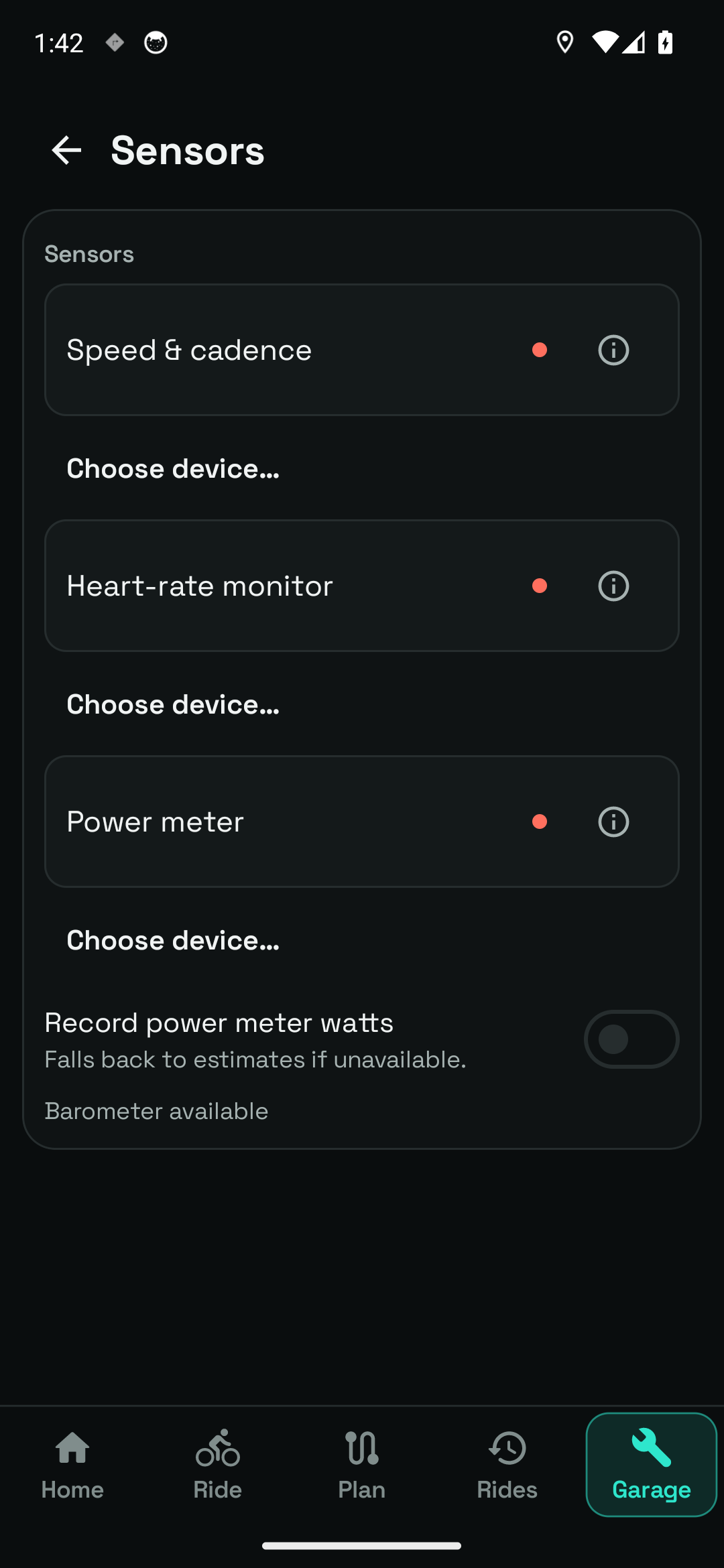
Settings → Sensors separates Speed & cadence, Heart rate and Power. Compatible Bluetooth Low Energy devices supply these readings; a power meter uses the Bluetooth Cycling Power role.
Bring speed, cadence, heart rate and measured power into your ride.
See the app screensCompatible Bluetooth speed, cadence, heart-rate and power sensors are supported without Pro.
In practice
Find it in the app Garage → Settings → Sensors · Ride → Sensors
Settings → Sensors separates Speed & cadence, Heart rate and Power. Compatible Bluetooth Low Energy devices supply these readings; a power meter uses the Bluetooth Cycling Power role.
Enable Bluetooth, grant the requested Nearby devices permission and wake the sensor. Open Choose device under the relevant role, then select your device from the scan results.
The app shows your selected device and its status. Depending on that state, you can Connect, Retry now, Stop trying, Disconnect or Enable sensor. A selected device is not proof that fresh readings are arriving.
Record power meter watts controls the use of meter data in recording. The app explains that it falls back to estimates when measured power is unavailable.
Details help distinguish sensors, and Forget device removes a saved selection. Use these controls when changing hardware or correcting a selection. Keep the sensor awake and in range during setup.
Check Bluetooth and permission state first, then wake the device. Another application may be using its connection. Use the app's retry or reconnect controls and verify a current reading before setting off.
Wheel-speed interpretation depends on the active bike's circumference. Check wheel size in Manage bike, especially after changing wheels or tyres. Phone sensor availability also varies by device; a barometer is optional.
Your first time
Enable Bluetooth on the phone and wake your compatible device.
Open Sensors, choose the relevant section and select the device from the scan.
Check the status and a current reading before starting your ride.
Compatible Bluetooth speed, cadence, heart-rate and power sensors are supported without Pro.
Inside bluetooth sensors
Real screens from the current Android app. Open an image to inspect the details, then use the arrows to explore the rest.
The actual Bluetooth cycling sensor controls, shown without a physical sensor paired.
Settings → Sensors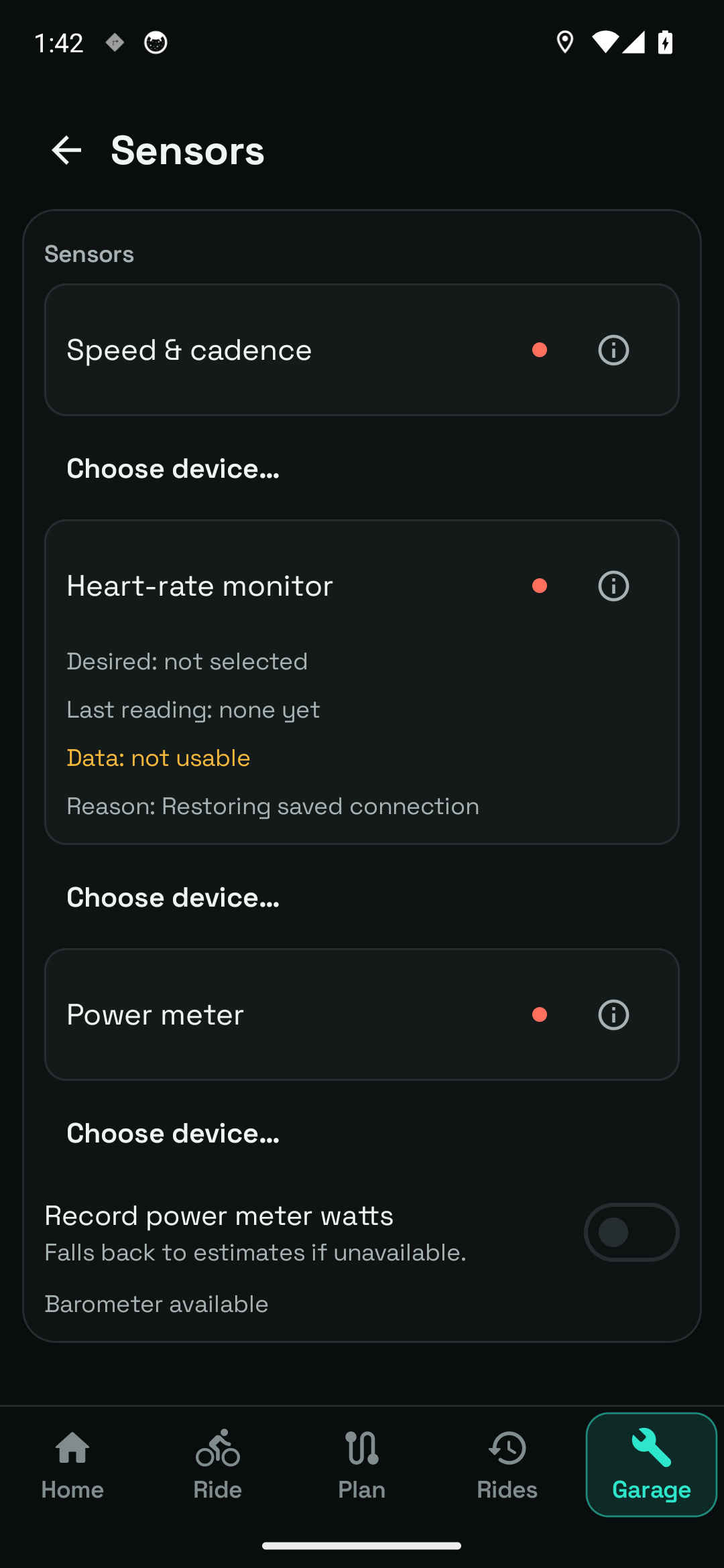
Heart-rate monitor selection and connection controls in the Sensors screen.
Settings → Sensors → Heart rate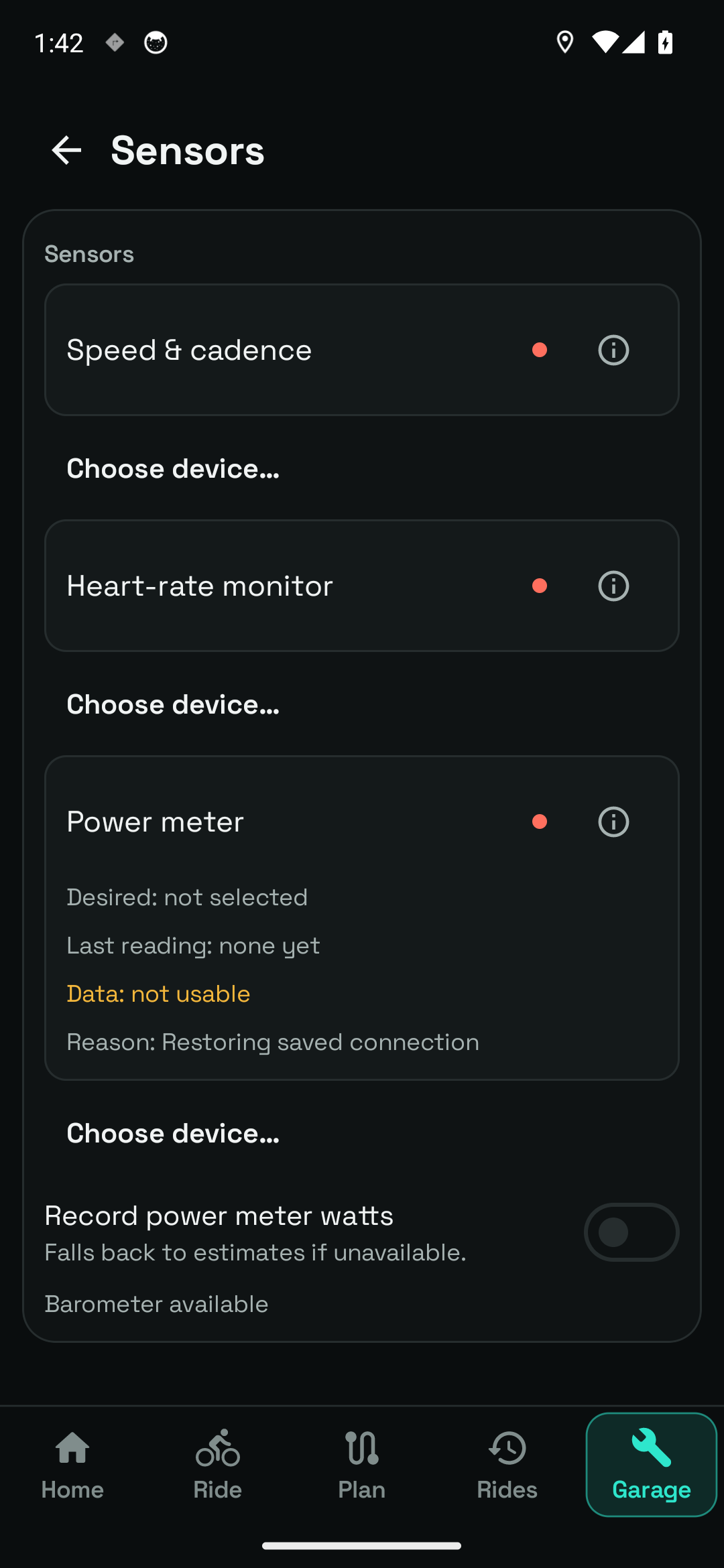
Power-meter setup and the Record power meter watts setting, including the fallback to estimates.
Settings → Sensors → PowerThese are real emulator captures. No physical cycling sensors are paired, so the gallery shows setup controls without inventing connections or live readings.
Questions, answered
No. Phone location and available sensors support the core ride recording. External sensors add readings such as cadence, heart rate or measured power.
The integration described on this page is Bluetooth Low Energy. This page does not claim ANT+ compatibility.