
Make a plan together
Start a live session and choose the route you want to ride together. Hosting capacity follows the verified account plan; smaller Free sessions and larger Pro sessions are distinct.
Join a shared ride by invitation, follow the route, and choose whether to share your live position.
Joining is free. Hosting capacity is supplied by the current account plan; Pro provides larger live rides. Check the app for the capacity available to your account.
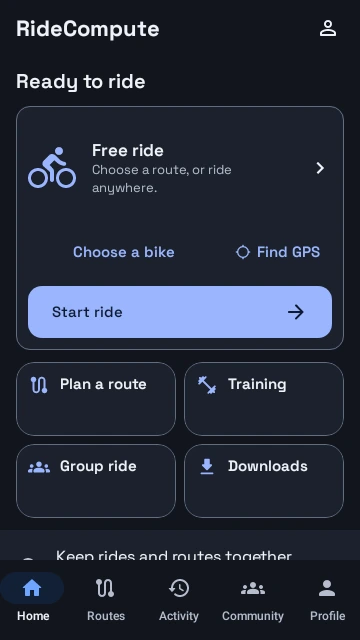
Find it in the appHome → Group ride · Community → live ride invitation
Start a live session and choose the route you want to ride together. Hosting capacity follows the verified account plan; smaller Free sessions and larger Pro sessions are distinct.
Share a ride invitation, QR, or code. Preview the session and confirm joining. Joining is free and does not start a ride recording.
Adopt the shared route when you want it. A Club’s scheduled ride and an active live-location session are separate things.
Enable live position sharing explicitly. Stop sharing or leave when you want; unavailable or stale positions are not presented as fresh rider locations.
Club membership and a scheduled event do not automatically start live sharing. Open or join the live session when you want its shared route and optional position updates.
Current account policy determines hosting access and the host-inclusive rider limit. Older captures may show an earlier hosting offer; the current plan shown in the app is authoritative.
Joining, adopting a shared route, sharing a position, and recording a ride are distinct actions. Choose each deliberately; another rider cannot start your recording.
Explore actual Android app screens with example data. Open a screen for a full-size view.
Home brings free riding, route planning, Training, and Downloads together. Native R6 UI with sample data.
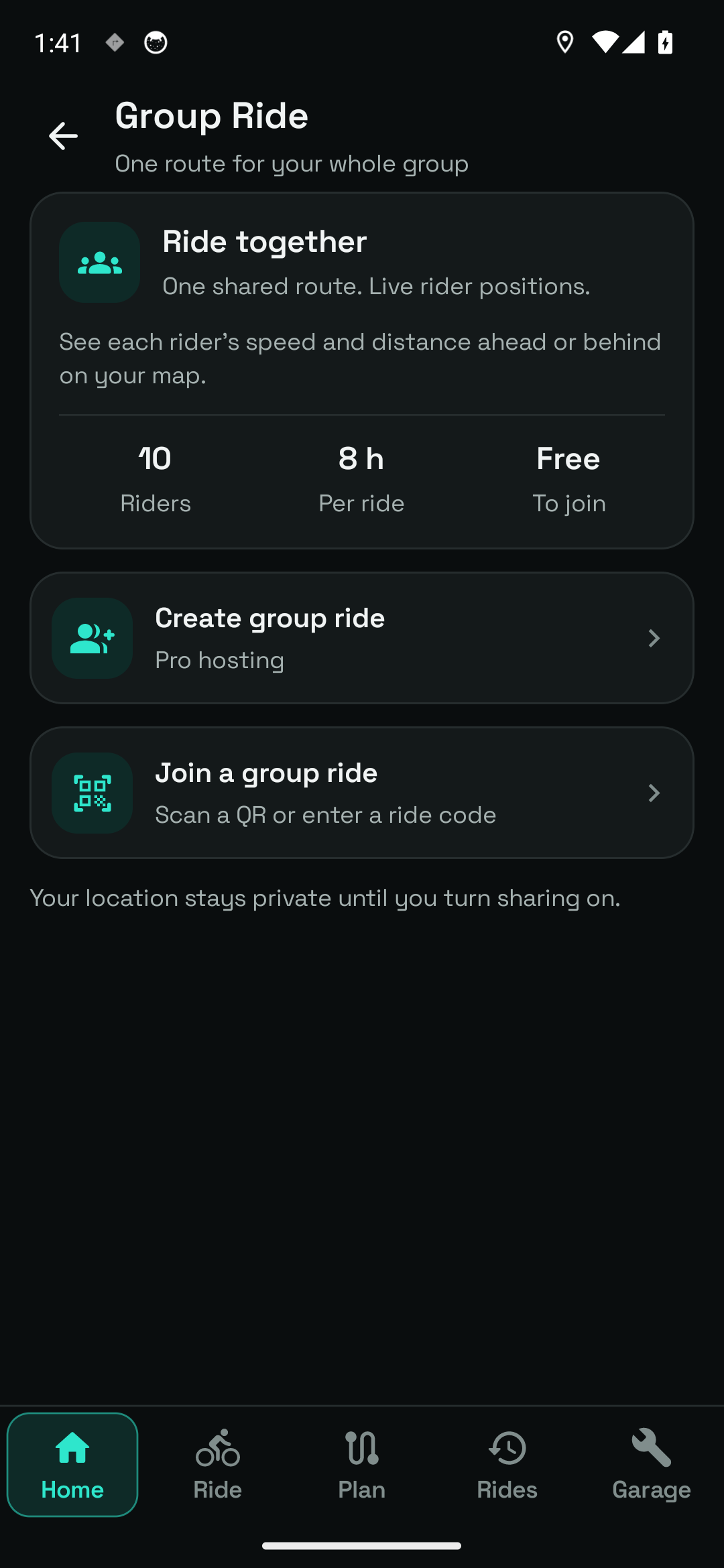
An earlier live-ride lobby capture. Current hosting access and capacity come from the account plan.
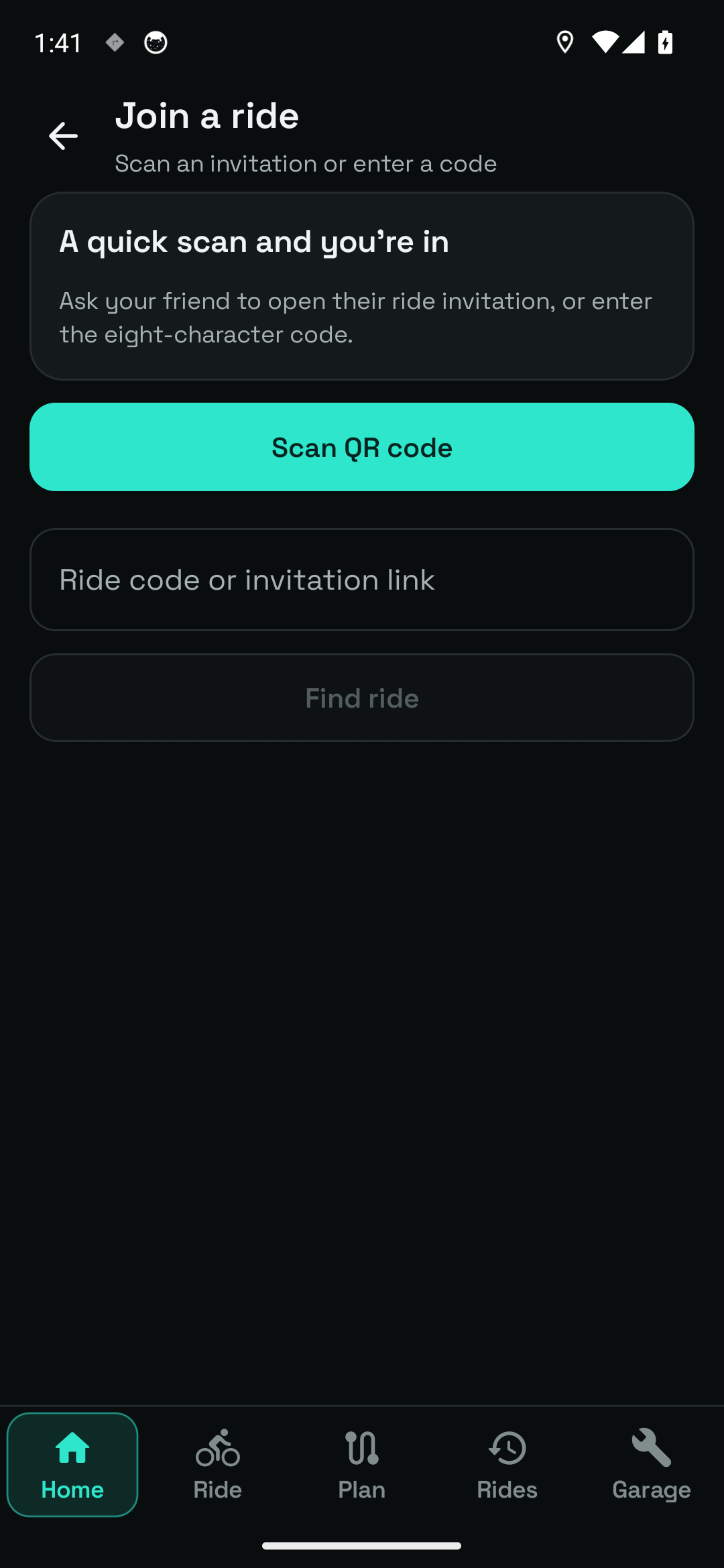
The native invitation form. No live group was joined during capture.
Live positions need a connection and can be delayed by reception and Android background behaviour. Screen captures use example or unjoined states, not a real multi-phone session.
Use Group ride on Home to create or join an available session.
Open the supported link, QR, or code and confirm the session you want.
Review the route and position switch. Start your personal recording separately.
Joining is free. Hosting capacity is supplied by the current account plan; Pro provides larger live rides. Check the app for the capacity available to your account.
Questions, answered
Joining is free. Hosting access and rider capacity follow the account’s current plan; Pro supports larger sessions. The app shows the limit that applies.
No. Joining does not itself start live position sharing. Turn it on only when you want the other riders to see your position.
Register your interest. We’ll email testing instructions when a beta place is available.