

Free
Core riding tools$0free core
The essentials for recording and reviewing your ride.
- Record rides offline
- Review ride history & export files
- Import GPX & follow basic navigation
- Bluetooth sensors & estimated power
- Five built-in workouts
RideCompute makes live ride data, estimated power, and progress easier to understand. Plan your next route and find your people to ride it with.
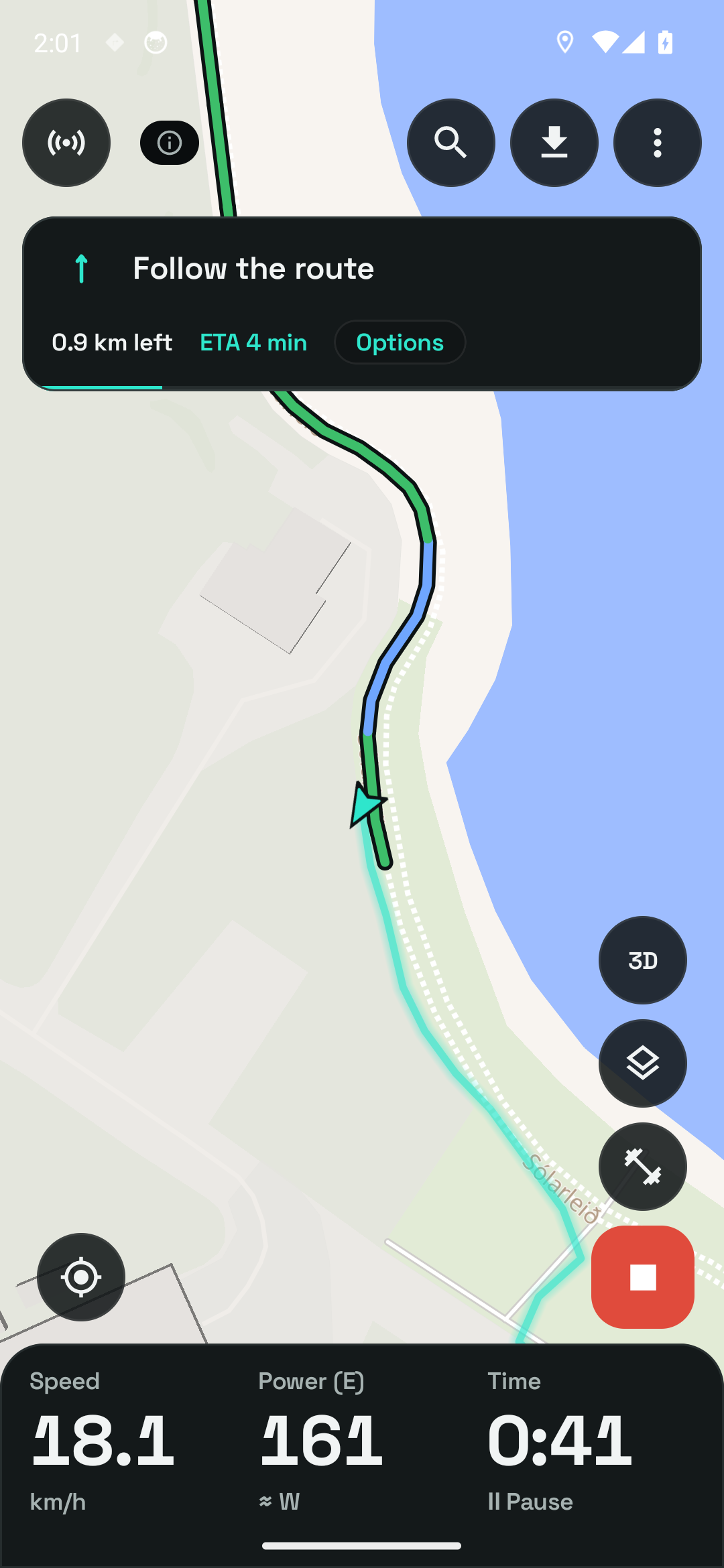
Explore the app screens and the readings behind them. Your ride in the moment, your effort in context, and your progress over time.
Choose the readings you ride with. Set your main fields before you leave, then expand the ride panel for extra metrics and adjust their order.
Earlier ride example. Open the screens for the updated recording settings, expanded panel and metric editor.
Explore ride recordingThese are labelled examples from the displayed app captures. Select a topic to explore; the captured app controls are part of the image.
Some days it’s a solo spin. Some days it’s a catch-up on two wheels. Find your people and make the next ride happen.
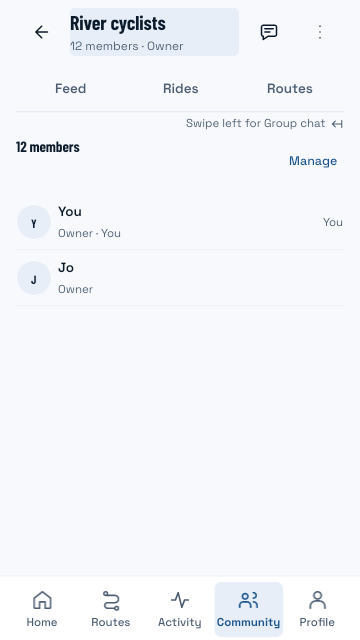
Meet the members and find a route to ride together.
See your ride clearly, explore your progress, and make plans with your people. Find the tools that fit the way you ride.
See your ride data, explore estimated power, and connect compatible sensors.
Make sense of your activities, follow workouts, and explore your progress.
Find your Club, arrange a ride, and control what you share.
Build a route, import GPX, and prepare your offline coverage.
Start with the core riding tools when you receive beta access. Pro adds advanced tools and expanded allowances. You choose whether to upgrade.
$0free core
The essentials for recording and reviewing your ride.
In appcurrent pricing
See available pricing and offers in the app before purchase.
The app shows current account access, hosting capacity, and download or analysis allowances. Subscription prices and terms are supplied by the store before purchase. Renews until cancelled. New purchases depend on beta and provider availability.
RideCompute is in pre-release testing. Registration is free and does not start a subscription or immediately unlock a download.
Leave your name and email. Adding a bike photo is optional.
We’ll email testing instructions when a beta place is available.
Follow your invitation’s access instructions, then share feedback on your rides.
Questions, answered
Join the Android beta list to register your interest. We’ll email access instructions when a place is available. Existing invited testers use the password-protected website beta. Registering does not immediately unlock a download or start a subscription.
Record rides, review local history, export files, estimate power, connect compatible Bluetooth sensors, import GPX routes, use basic navigation, and follow five built-in workouts. The current account plan also determines live-ride capacity, Club memberships, and online allowances.
You can record a solo ride without an account or mobile data. Maps, route calculation, and place search need downloaded coverage. Friends, Clubs, new online downloads, and live sharing need the relevant account access and a connection.
A Club is your ongoing riding community: members, chat, scheduled rides, shared routes, and progress. A live group ride is a temporary session with an optional shared position. Joining either never starts your personal recording or live location sharing.
No power meter is needed to see estimated power. Wind, road surface, mounting, and sensor quality affect that estimate, and there is no validated accuracy figure. A compatible Bluetooth power meter supplies measured watts.
Your sharing choices control social publication, account-library copies, and live positions separately. Privacy zones mask sensitive locations. Choosing private account-library sync does not make your activities public.
Join the Android beta list. We’ll email testing instructions when a place is available.
Join the Android betaAndroid 8.0+ · Free to register · No subscription starts at signup